
Ransomware Protection for Small Businesses: A 2026 Playbook
A practical, non-hype guide to stopping ransomware before it encrypts your files — controls, backup strategy, and what to do in the first 60 minutes of an attack.
Ransomware is now a small-business problem
Most 2025–2026 ransomware victims are companies with 10–200 employees, not Fortune 500s. Attackers automate everything and go after weak MFA, unpatched VPNs, and exposed RDP.
The 7 controls that stop 95% of attacks
- MFA on everything — email, VPN, remote desktop, admin accounts. No exceptions.
- EDR (endpoint detection & response), not just antivirus.
- Patch within 14 days — OS, browsers, VPN appliances, firewall firmware.
- DNS filtering to block malicious domains before payloads download.
- Immutable backups — 3-2-1 rule, at least one copy cloud-based and immutable.
- Least-privilege — no daily use of local admin accounts.
- Security awareness training — quarterly phishing simulations.
The first 60 minutes of a ransomware event
- Isolate infected devices from the network (unplug or Wi-Fi off).
- Do NOT power off — memory holds forensic evidence and possible decryption keys.
- Call your MSP and cyber-insurance broker immediately.
- Preserve logs on firewalls, EDR, M365 and Google Workspace.
- Do not pay without legal + insurance guidance — payments often violate OFAC rules.
Backup strategy that actually restores
A backup is only useful if you've tested restoring it in the last 90 days. We recommend:
- Daily image-based server backups
- Cloud replication with immutability (Wasabi, S3 Object Lock, Azure)
- Monthly test restores of critical systems
Get a free ransomware readiness scan
The Network Guy 209 runs a free 12-point ransomware readiness scan for California businesses. Book yours today.
Frequently Asked Questions
What is the #1 way ransomware gets in?
Compromised credentials — usually a phished password on an account without MFA, or a stolen VPN login. MFA everywhere blocks the vast majority of these attacks.
Should we pay the ransom?
Not without legal counsel and your cyber-insurance broker. Payments can violate OFAC sanctions and only ~60% of payers get usable decryption keys.
How often should we test our backups?
Run a full test restore of critical systems at least quarterly, and spot-check individual file restores monthly.
Need reliable IT support for your business?
The Network Guy 209 provides Managed IT Services, Cybersecurity, Cloud Solutions, Microsoft 365, Network Installation, Server Management, Data Backup, Disaster Recovery, and Website Development for businesses throughout Manteca, Stockton, Tracy, Lathrop, Ripon, Modesto, Lodi, Sacramento, the Bay Area, and across California.
Managed IT & cybersecurity experts serving Manteca, Stockton, Modesto, Tracy and the Central Valley.
Related Articles
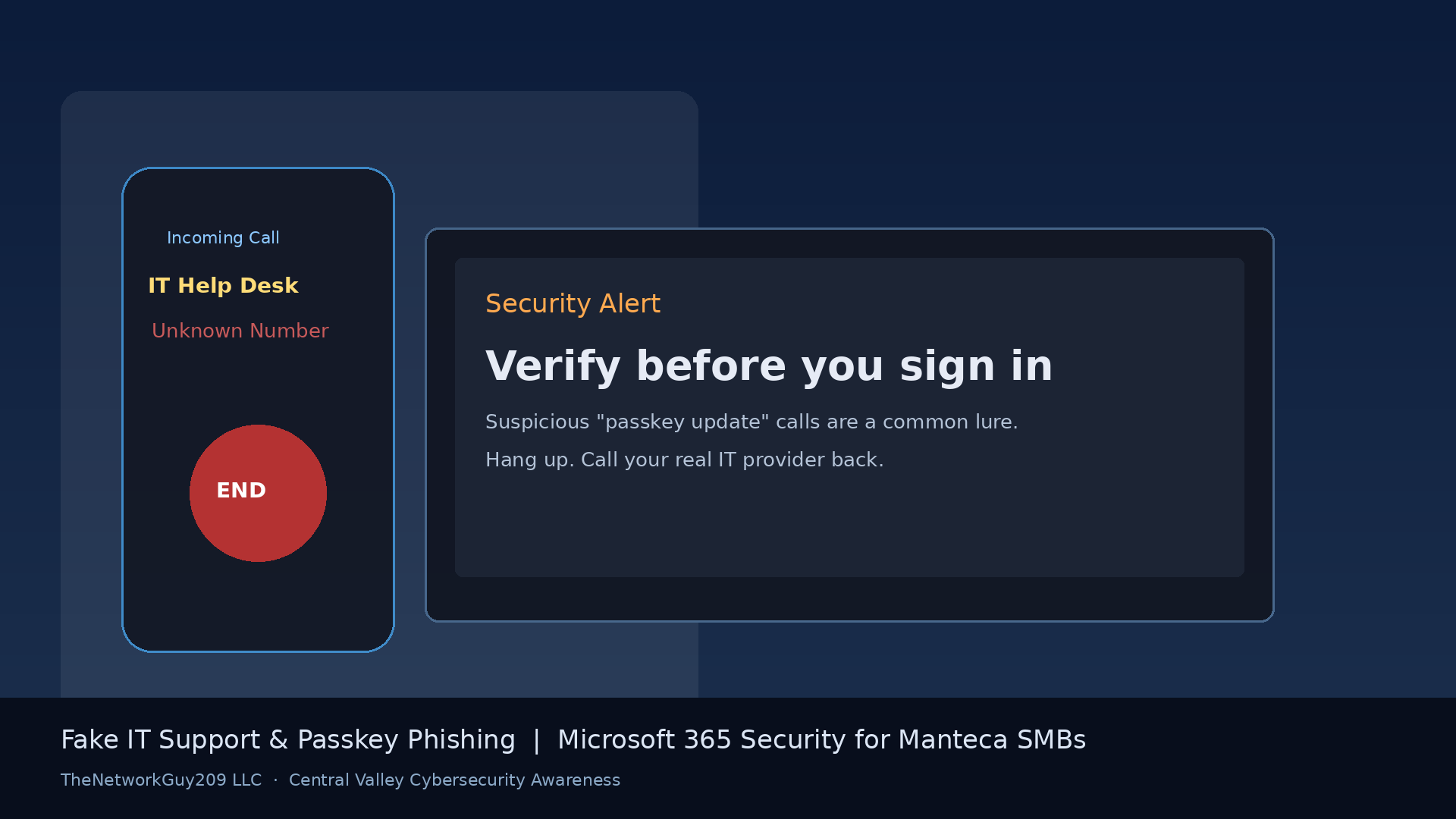
Fake IT Support Calls and Passkey Phishing: What Manteca Businesses Should Know About Microsoft 365 Scams
Fake IT help-desk calls and passkey phishing are targeting Microsoft 365. Practical tips for Manteca and Central Valley small businesses to stay safe.
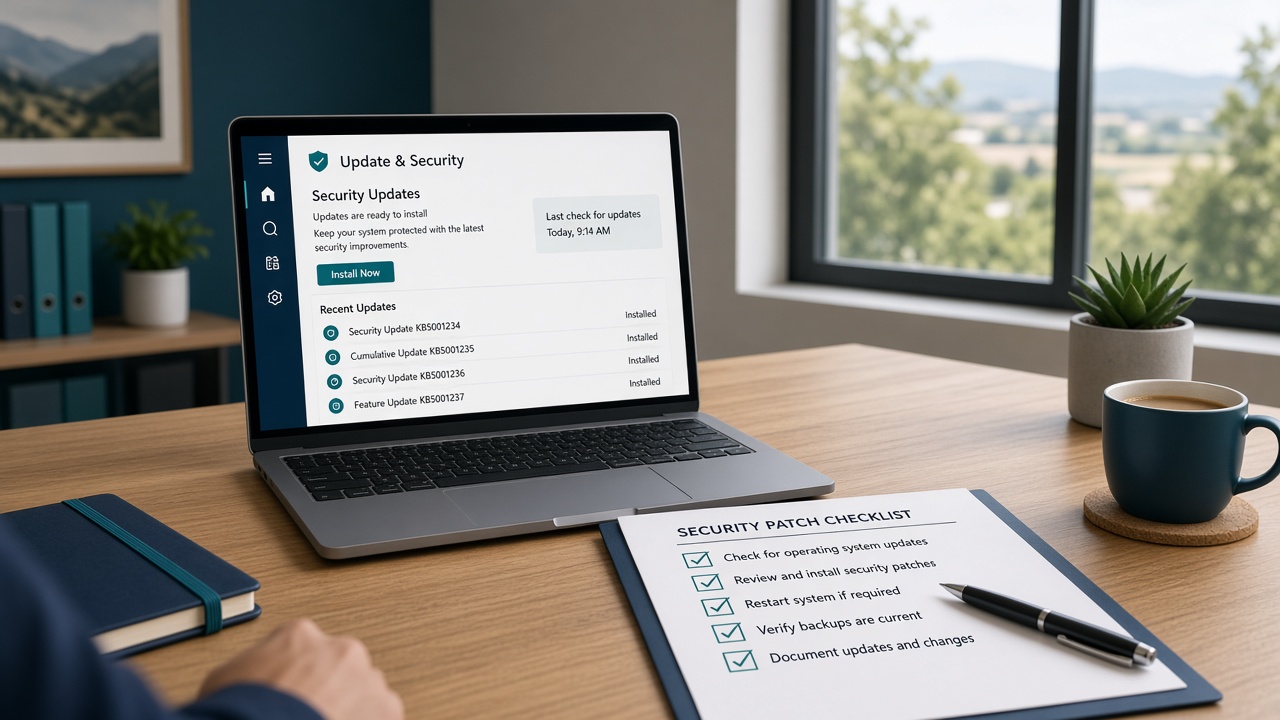
September 2026 Windows Patch Checklist for Central Valley Small Businesses
Microsoft’s September 2026 updates include two actively exploited Windows flaws. Here is a practical patch checklist for Manteca and Central Valley small businesses.
Phishing Attacks: 8 Signs Every Employee Should Recognize
A one-page phishing awareness guide you can share with your whole team — with real 2026 examples.
Get more IT insights like this
Monthly tips on cybersecurity, Microsoft 365, and small-business IT — written for Central Valley owners.